
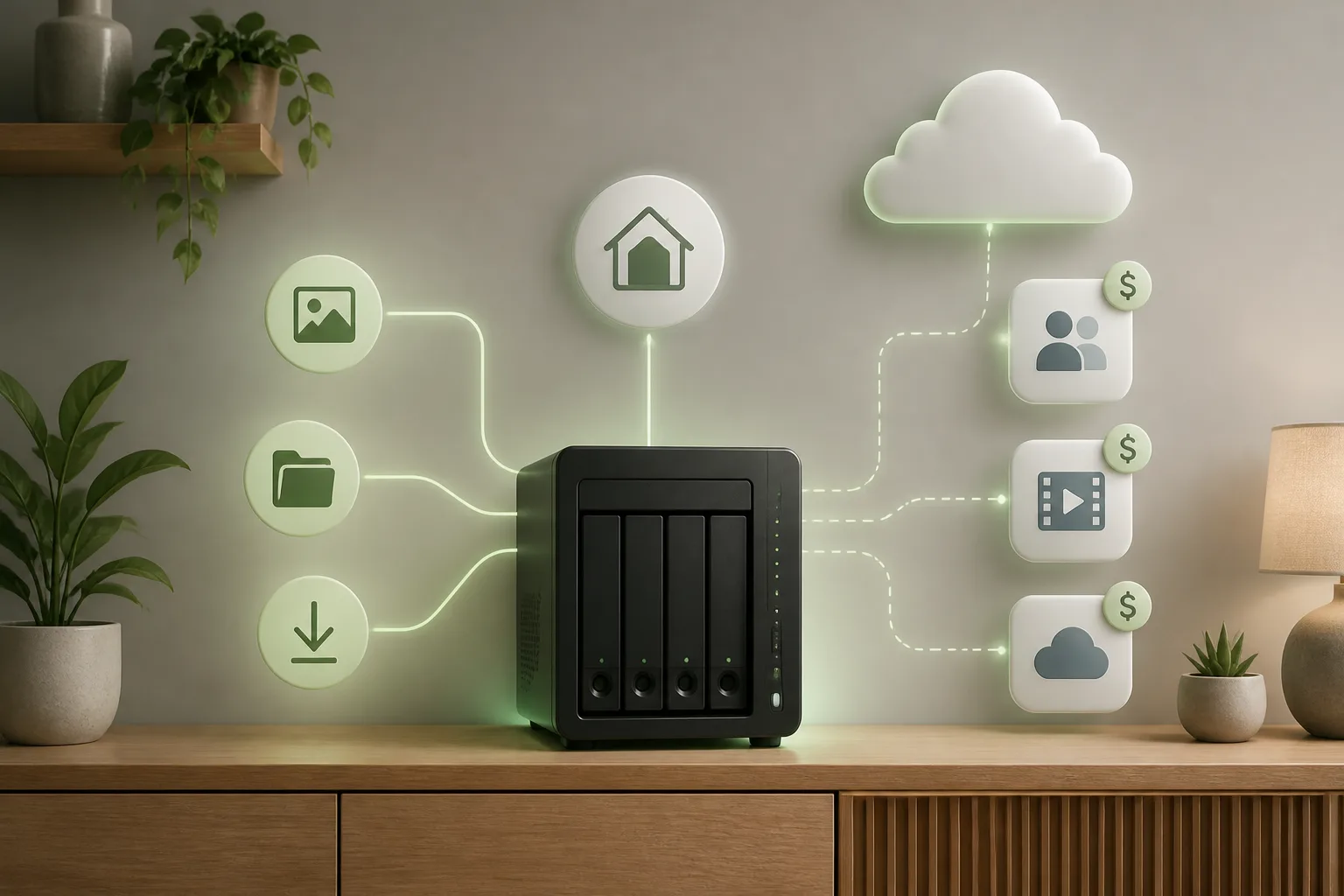
Quick answer
You can run n8n locally on Windows or macOS using Docker, or use Node.js with npm where the documented setup applies. n8n’s local editor is available at localhost on port after startup. Running n8n locally depends on your setup, and local workflows stop when the computer is off.
Key numbers
- n8n is an open-source workflow automation tool for connecting and automating web applications, platforms, and APIs.
- The self-hosted version of n8n is free for personal and non-commercial use.
- The npm installation option requires Node.js 20.19–24.x.
- A local n8n instance typically isn’t directly accessible from the internet for external webhooks.
The short version
- Choose between Docker and npm based on your setup; the cited article recommends Docker, especially for production.
- Use persistent storage for Docker data rather than relying on a simple container command.
- Local n8n depends on the computer being powered on and, for the documented Mac setup, Docker Desktop being active.
- The available evidence does not provide complete Windows installation, security configuration, or backup and restore instructions.
- Running n8n locally is free, but your workflows only run while your computer stays on.
What is n8n, and what does running it locally on a computer mean?
n8n is an open-source workflow automation tool for connecting and automating web applications, platforms, and APIs. Running it locally means hosting the software on your own computer rather than relying on a separate host. The reported benefits include more control over data and flexibility.
Locally stored n8n data can include workflows, credentials, and execution history. That matters if you’re using n8n to automate work: the workflows and related information are part of the local setup. A free local n8n setup starts with understanding where that data lives. Running n8n locally on Windows and Mac also depends on choosing an installation method that fits your computer. Your local n8n install doesn’t mean the workflows will run when the computer is off; local availability has limits.
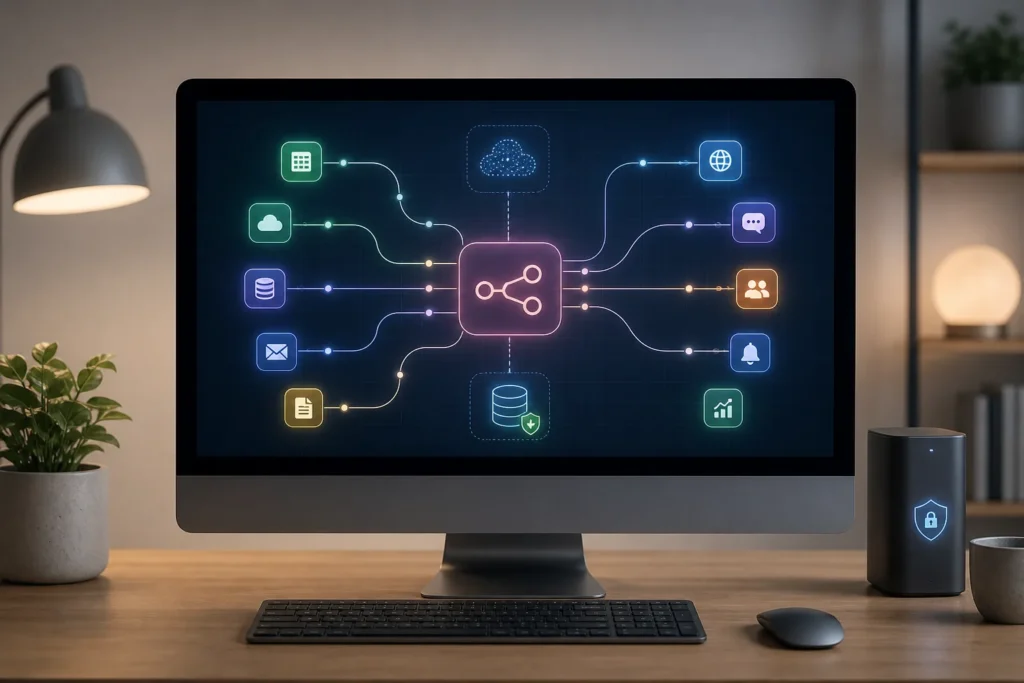
See n8n automation prices and reviews
Which installation method—Docker or Node.js with npm—works best on Windows and macOS?
Docker and Node.js with npm are both installation options, but the available evidence doesn’t establish one universal best choice for every beginner or use case. The cited article recommends Docker, especially for production environments.
For Windows and macOS, n8n containers run on Docker Desktop. The npm route is another documented option, with a specific Node.js version requirement described below. Running n8n locally therefore begins with a choice between these two methods, not a guarantee that one suits everyone. A free local n8n setup can use Docker when container-based setup is preferred. Running n8n locally on Windows and Mac can also use npm, though the available instructions don’t provide a Windows-specific npm procedure.
Use the documented Mac steps as a guide only for that platform; the evidence doesn’t establish a complete Windows setup for either method.
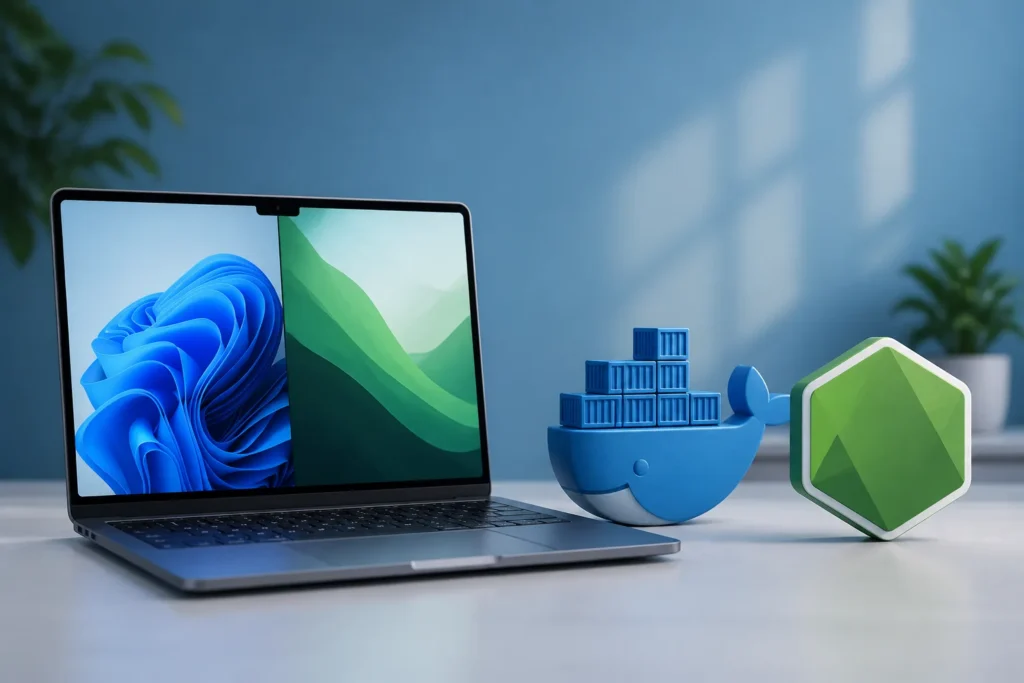
What software and minimum system requirements are needed to run n8n locally on Windows or Mac?
For the documented Mac setup, you need macOS on an Intel or Apple Silicon computer. The Docker route lists Docker as a prerequisite, while the npm route lists Homebrew. Docker Desktop supports AMD64 systems and Apple Silicon Macs, according to the cited source.
The npm option requires Node.js 20.19–24.x. Community hardware reports aren’t official minimum specifications: one commenter cited a PC with an Intel Core i5-1135G7, GB RAM, and a GB SSD, while another reported starting on a GB, vCPU instance. Your local n8n install should not treat either report as a guaranteed minimum. Running n8n locally needs a Windows-specific checklist, but the available evidence doesn’t give one. A free local n8n setup also has no documented official minimum system requirements in this evidence.
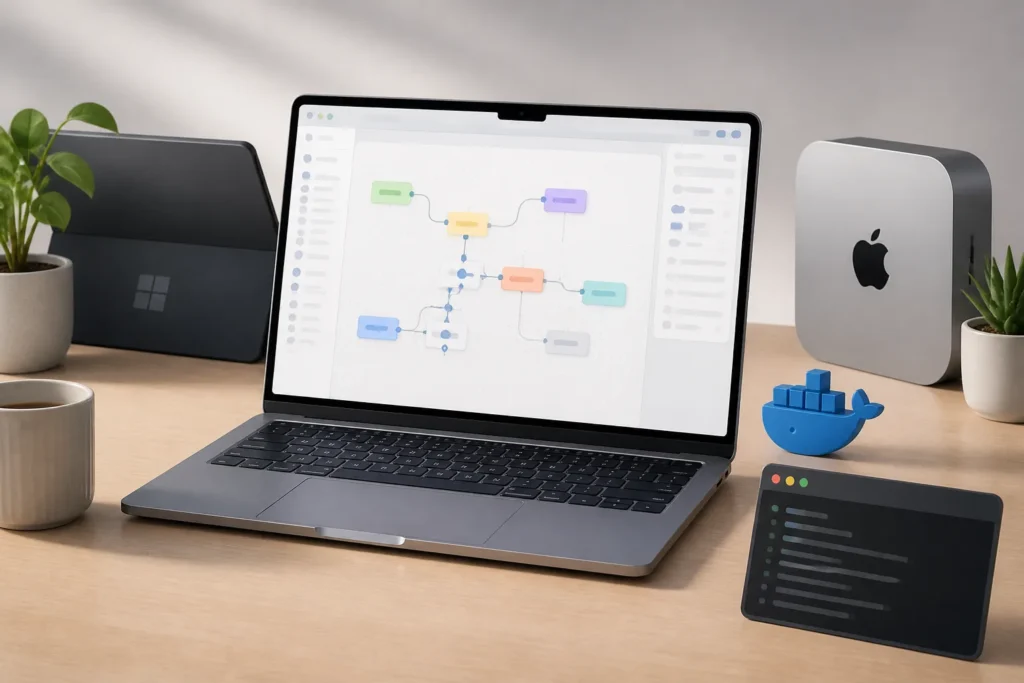
Is the self-hosted version of n8n free, and what costs might come from hosting, integrations, or other services?
The self-hosted version of n8n is free for personal and non-commercial use. When you run local n8n on hardware you already own, the cited article says n8n itself has no hourly or usage-based fees. That describes the n8n fees; it doesn’t establish that every related service is free.
Running n8n locally on Windows and Mac can keep n8n’s own usage fees at zero on existing hardware, as described above. Your local n8n install may still involve hosting, integration, or other service costs, but the available evidence doesn’t specify prices for any of them. Running n8n locally can’t be used to estimate a total project budget from these facts alone. There are no supported freelancer rates, project-cost estimates, or service-plan prices in the evidence here, so none can be stated reliably.
How to Run n8n Locally on Windows and Mac for Free: what are the Docker steps?
Docker Desktop runs n8n containers on Windows and macOS, and the cited source says Docker Desktop supports AMD64 systems and Apple Silicon Macs. A provided Compose configuration maps the Mac’s port to the container’s port 5678.
A free local n8n setup with Docker needs persistent storage if you want to keep data beyond the container’s lifetime. The simple Docker command can lose all n8n data when its container stops. An improved command mounts ~/.n8n to /home/node/.n8n, saving workflows in the home directory. Running n8n locally on Windows and Mac should account for that difference before starting a container. Your local n8n install does not have a complete Windows Docker Desktop or WSL installation procedure in the available evidence, so those setup steps can’t be supplied here.
Find n8n automation experts on Fiverr
How do you install and start n8n locally with Node.js and npm on Windows and macOS?
The documented npm installation procedure is for Mac: it lists Homebrew as a prerequisite and installs Node.js with the command brew install node. The cited article then installs n8n globally with sudo npm install n8n -g.
The npm option requires Node.js 20.19–24.x. If you want to try n8n without installing it, the cited source also offers npx n8n. Running n8n locally with npm is therefore supported by a Mac procedure, not a complete set of steps for both operating systems. A free local n8n setup can use the listed Mac commands, while the available evidence doesn’t provide a Windows-specific npm installation procedure. Running n8n locally on Windows and Mac also has no documented command here for starting n8n after the global installation.
What security, data-persistence, and availability trade-offs should you consider when running n8n locally?
Local n8n trades remote availability for running on your own machine. It runs only while the Mac is powered on and Docker Desktop is active, and a sleeping, shut-down, or unpowered laptop stops it. External service nodes still need connectivity when you build or test workflows, and a local instance typically isn’t directly accessible from the internet for external webhooks.
Your local n8n install also means considering how data persists: Docker volumes can preserve n8n data even if the container is removed, while the simple Docker command can lose data when its container stops. A community commenter recommends backing up n8n data against machine or disk failure. Running n8n locally requires you to manage updates to Docker Desktop, Node.js when used, and n8n. The cited article reports SQLite production risks under load. A free local n8n setup has no documented backup, restore, authentication, HTTPS, or safe tunnel configuration steps in the available evidence.
Watch: a quick walkthrough
How do you open the n8n editor after installation and make your workflows keep running?
After starting n8n, open the local editor at localhost on port 5678. The cited instructions also direct users to access the local instance in a browser at that address.
Running n8n locally on Windows and Mac with Docker can use the -d flag to run the container in the background. The documented commands to stop and restart the container are docker stop n8n and docker start n8n. Your local n8n install can keep the container running after closing a terminal, but background operation does not overcome the computer’s availability limits. n8n runs locally only while the Mac is powered on and Docker Desktop is active. A sleeping, shut-down, or unpowered laptop stops it. Running n8n locally therefore can’t make local workflows run while the computer is asleep or off.
Get n8n automation done for you
Questions teams ask us
Is self-hosted n8n free?
Yes. The self-hosted version of n8n is free for personal and non-commercial use. The available evidence doesn’t specify prices for hosting, integrations, or other services.
Should I use Docker or npm to install n8n?
Docker is the recommended option in the cited article, especially for production, but the available evidence doesn’t establish a universal best choice for every user or use case.
How do I access n8n locally?
Open the local editor at localhost on port after starting n8n. The available evidence doesn’t provide steps for configuring authentication or HTTPS.
Will local n8n keep running when my computer is off?
A local n8n instance runs only while the Mac is powered on and Docker Desktop is active. A sleeping, shut-down, or unpowered laptop stops it.
